Suspicious mail is held, not lost
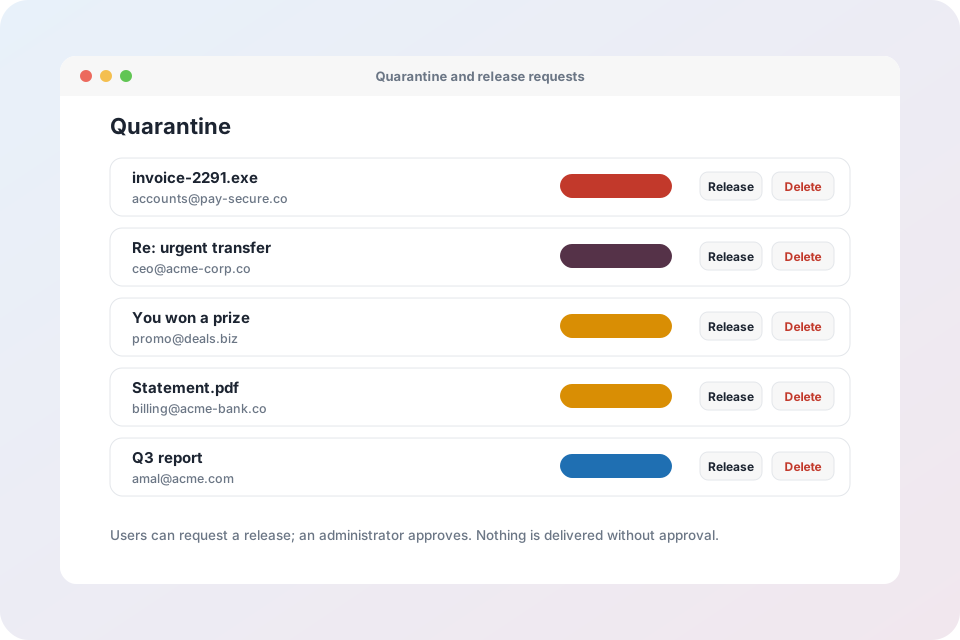
People can request release, admins decide, and every decision is recorded. Searchable by sender, subject and reason.
Quarantine policies
Tenant administrators create policies and decide what people can do with each kind of held mail.
Access level per policy
Choose Full, Limited or No access for each kind of held mail.
Daily alerts
Turn on a daily digest per policy so people know what is waiting.
Allow sender
Let people add a sender to their own safe list from the message.
Block sender
Let people block a sender so it is not offered again.
Malware release, only if you allow it
Dangerous attachments stay admin-only unless a policy explicitly allows direct release, and users see a clear warning first.
Search by sender, subject and reason
Find held mail fast and see why it was stopped.
Three access levels
Full access
People release their own mail to the inbox. Best for ordinary spam.
Limited access
People can only ask for a release. An administrator decides, and the decision is recorded.
No access
Administrators only. With alerts on, people still see the message details, never the content, and cannot release it.
Release requests and approvals
People ask, administrators decide, and the history is kept.
- A request carries an optional note from the user
- Approve to deliver, or deny with one click
- Scheduled digests tell people what is waiting
Quarantine policy questions
Is held mail lost?
No. Suspicious mail is held, not deleted. It stays available for review until it is released or removed.
Who decides when a user can only request release?
Your administrators. Approvals and rejections are listed with who decided and when.
Can users see a message when the policy is No access?
They can see the sender, subject and reason if alerts are on, but not the content, and they cannot release it.
Can malware be released?
Only by an administrator by default. A policy can allow direct release for users, and it is off unless you turn it on.
Where do I set this up in Mail Admin?
Open Quarantine, then Policies. Create a policy and assign it to each kind of held mail.
Hold suspicious mail, never lose it
Request an account to try quarantine policies.