The control panel for professional business email
Add domains, create mailboxes, protect against spam and threats, and see exactly what your mail server is doing, from one clean dashboard.
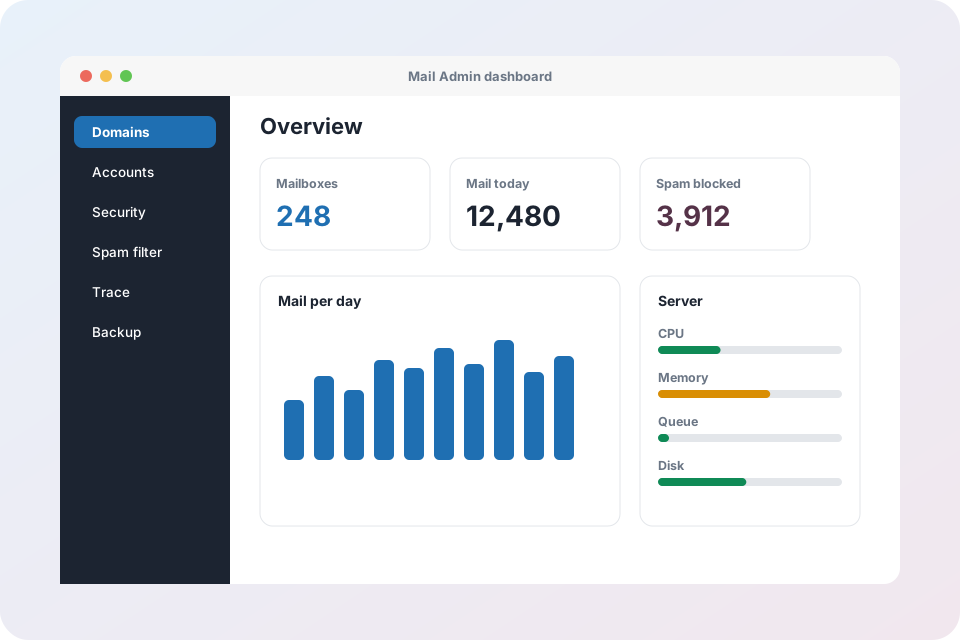
Every feature of Mail Admin
Twelve areas that cover the daily work of running business email.
Domains and DNS
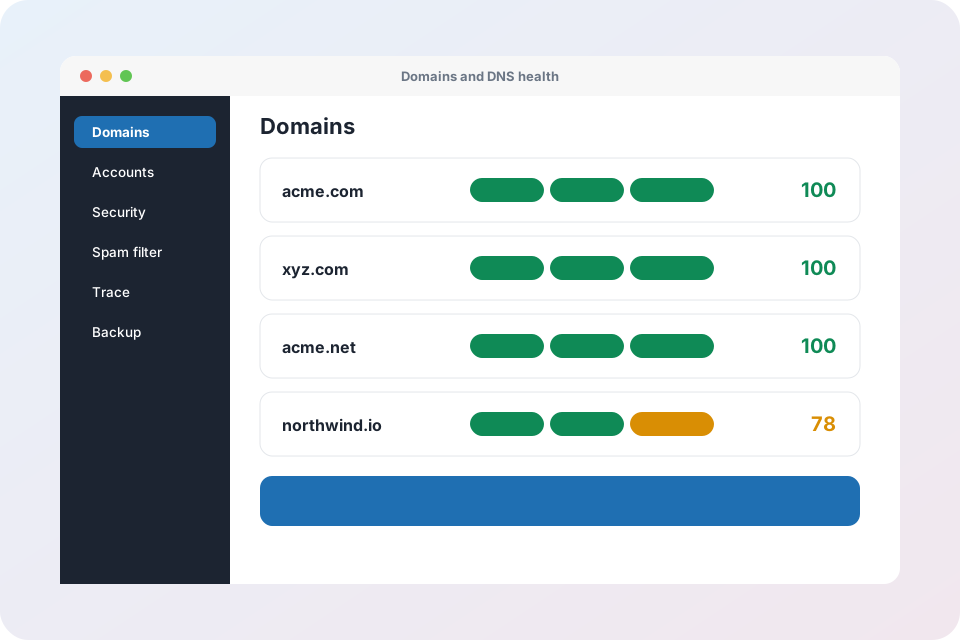
Add domains and alias domains, generate DKIM keys and see the exact DNS records to publish.
Email accounts
Create and edit mailboxes, set quotas, reset passwords and send login details by email.
Webmail and apps
A fast webmail plus automatic setup for Outlook, Apple Mail, Thunderbird and phones.
Forwarding and routing
Forwarders, catch-all addresses and MX record management in one place.
Auto-replies and filters
Out-of-office replies and server-side filters that sort mail before it reaches the inbox.
Login security
Login activity, automatic IP blocking, live session control and admin two-factor sign-in.
Spam and virus protection
Rspamd scoring with your own thresholds, allow and block lists, and ClamAV virus scanning.
Impersonation (BEC) protection
Detects look-alike senders and payment-fraud attempts and holds suspicious mail.
Deliverability health
A health score for SPF, DKIM and DMARC, with one-click fixes where possible.
Tenants and client portal
Host many companies with their own branding, plans, limits and delegated portal admins.
Email trace and logs
Find any message by sender, recipient or queue ID and watch the live mail log.
Server health and backup
CPU, memory, containers and queue at a glance, with database and mailbox backup and restore.
Domains and DNS without the guesswork
Mail Admin shows the exact records each domain needs and checks them against live DNS.
- DKIM keys generated per domain and selector
- SPF, DMARC and MX checked in one health score
- Records fixed automatically with supported DNS providers
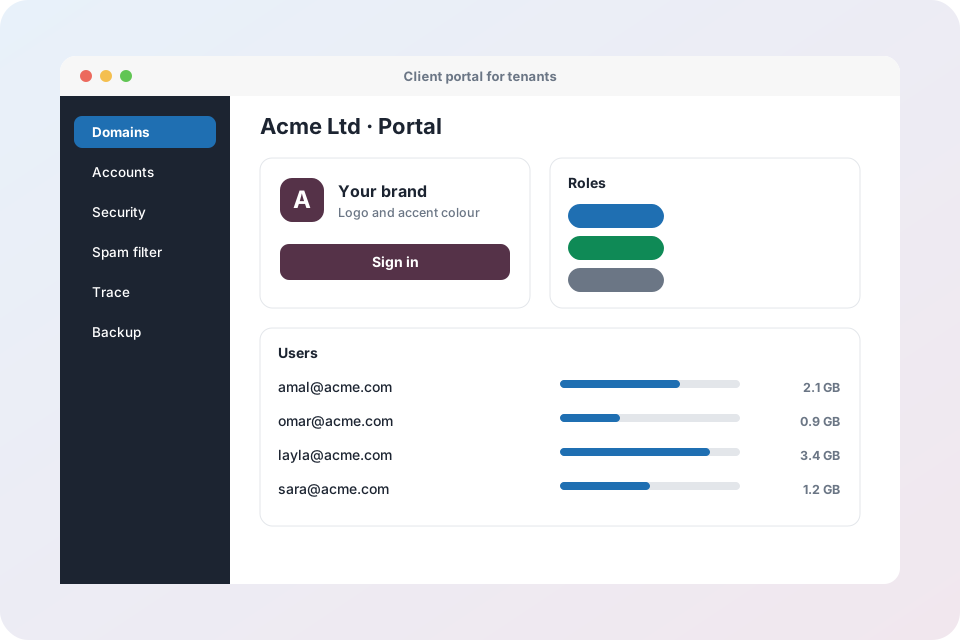
One platform, many customers
Hosting mail for other companies? Give each one a branded client portal with delegated administrators.
- Logo and accent colour per tenant
- Admin, helpdesk and read-only roles
- Charts, CSV bulk import and login-details emails
Get started in three steps
Add your domain
Mail Admin gives you the DNS records to publish and confirms them.
Create mailboxes
Add people one by one or import a CSV file and email them their login details.
Stay in control
Watch security, spam, queue and backups from the dashboard.
Mail Admin questions
Do I need technical skills to use Mail Admin?
No. Common jobs such as adding a domain, creating a mailbox or checking why a message did not arrive are guided screens with plain language. DNS records are shown ready to copy, and many can be fixed automatically.
Does it work with Outlook, Apple Mail and my phone?
Yes. Mail Admin publishes automatic configuration so apps such as Outlook, Thunderbird, Apple Mail and mobile mail apps can set themselves up with the address and password. Standard IMAP and SMTP also work everywhere.
Can I host email for several companies?
Yes. Tenants give every company its own domains, limits, branding and client portal, while you manage everything from one admin.
How is spam handled?
Every message is scored by Rspamd and scanned by ClamAV. You choose the score where mail goes to Junk and where it is rejected, and you can keep allow and block lists globally or per mailbox.
Can I move my existing mailboxes over?
Yes. The migration tool copies mail from any IMAP server into the new mailbox, with a history of each run.
Is there extra protection for companies that need it?
Yes. X-Protection adds advanced email security in front of any mail system, including quarantine, link and attachment checks, archive and recovery.
Ready to run your email with confidence?
Request an account or talk to us about your setup.
Explore Mail Admin
- Mail Admin overview – every feature on one page
- Domains, DNS and deliverability – DKIM, SPF, DMARC, MX records and health score
- Mailboxes, webmail and routing – accounts, forwarders, catch-all, auto-replies and filters
- Security, spam and virus protection – login protection, IP blocking, send limits, Rspamd and ClamAV
- Tenants and client portal – branding, plans, roles and bulk import
- Operations: trace, monitoring, backup and migration – server health, mail queue, backups and IMAP migration
- X-Protection email security – the security layer that sits in front of any mail system