Stop spam, malware and bad links early
Layered filtering catches unwanted mail by content, sender reputation, attachments and links, and you stay in control of how strict it is.
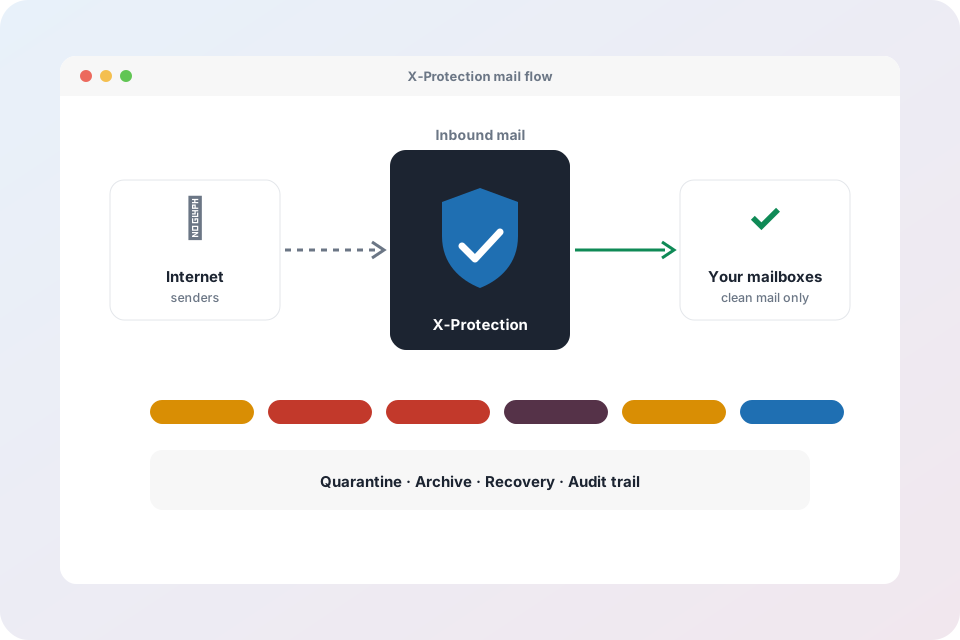
Layers of protection
Tunable spam rules
Content and header rules with scores you set, so you decide what is scored as spam and what is held.
Bayes filter per customer
The filter learns from each customer’s own mail, so one company’s newsletters are not another’s spam.
Reputation and blocklists
Sender IPs and domains are checked against DNS blocklists, with sensible handling of false positives.
Rate limits
Slow down floods from one sender or network before they overwhelm a mailbox.
Attachment analyzer
Inspects attachments in an isolated worker and holds files judged malicious in quarantine.
URL protection
Links are rewritten so the destination is checked when someone clicks, catching sites that turn bad after delivery.
Own-IP blocklist watch
Be told if your own sending addresses appear on a public blocklist so you can act early.
Data protection controls
Set archive retention per organisation within what the plan allows.
Allow and block lists
Trusted senders skip filtering and known bad senders never get in.
Click-time link checking
A link that looked safe at delivery can be dangerous a day later. URL protection checks the destination again each time it is opened.
- Dangerous pages are blocked with a clear warning
- Works in any mail app
- Turn it on per customer
Threat protection questions
Will good mail get blocked?
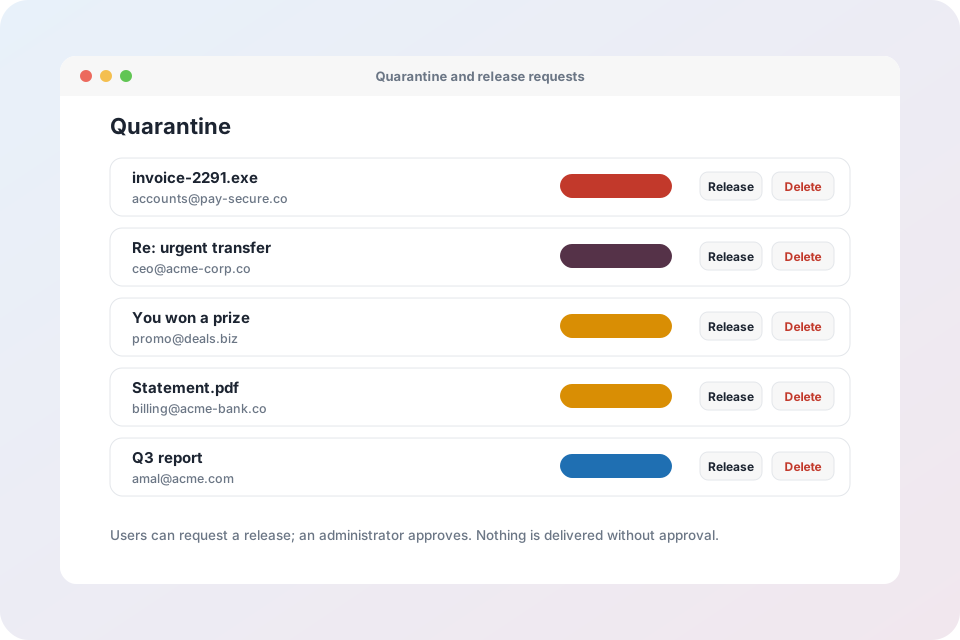
Held mail goes to quarantine instead of being deleted, so a false positive can always be released. Allow lists keep trusted senders flowing.
Can each customer have different settings?
Yes. Thresholds, lists, the Bayes filter and URL protection are set per customer.
What happens to risky attachments?
They are held in quarantine with the reason shown, and an administrator can release them if they are expected.
See what your inbox is really receiving
Start in monitor mode and review the results.
Explore X-Protection
- X-Protection overview – every feature on one page
- Spam, malware and link protection – spam rules, reputation, attachment analyzer and URL protection
- X-Trust impersonation defence – BEC and look-alike sender detection with 18 signals
- Archive, legal hold and recovery – encrypted archive, retention and Recovery Desk
- Quarantine, digests and mail trace – release requests, allow and block lists, delivery monitor
- Compliance, audit and access control – tamper-evident audit trail, custom roles and two-factor
- X-Protection for MSPs and resellers – one console for every customer, plans and usage
- Mail Admin – the control panel for business email