Mail Admin (Client Portal)For: Organisation administrators3 min readUpdated
Create a forwarder
Deliver mail sent to one address to one or more other addresses.
Open Forwarders
Choose Users, then Forwarders.
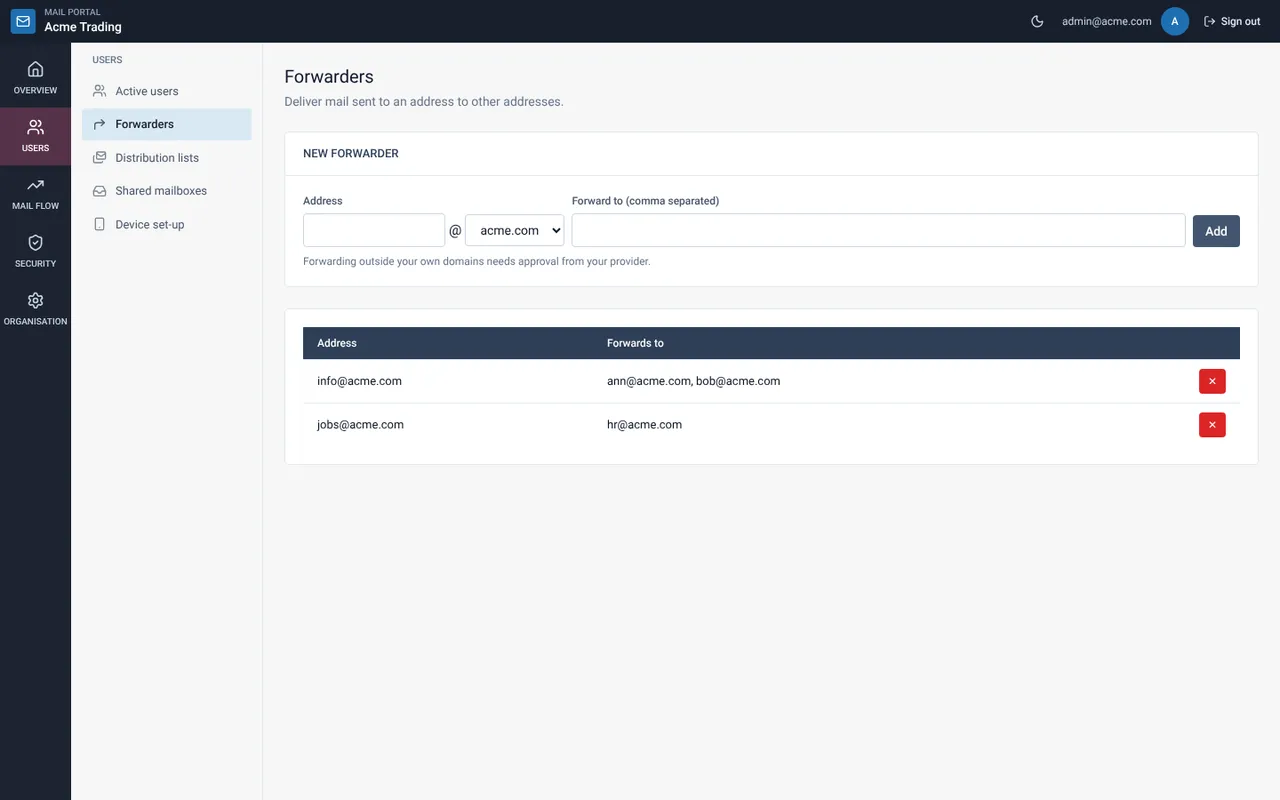
Fill in the New forwarder form
Type the address (for example info), pick the domain and list the destinations, separated by commas.
Select Add
The forwarder appears in the table below. Select the red ✕ to remove it.
Still need help?
Tell us what you were trying to do and what you saw on screen. We will help you finish it.