Mail Admin (Client Portal)For: Organisation administrators4 min readUpdated
Give different people different policies
Assign a policy to one person, a group or a whole domain.
Open “Who gets which policy”
Open Quarantine and select Who gets which policy.
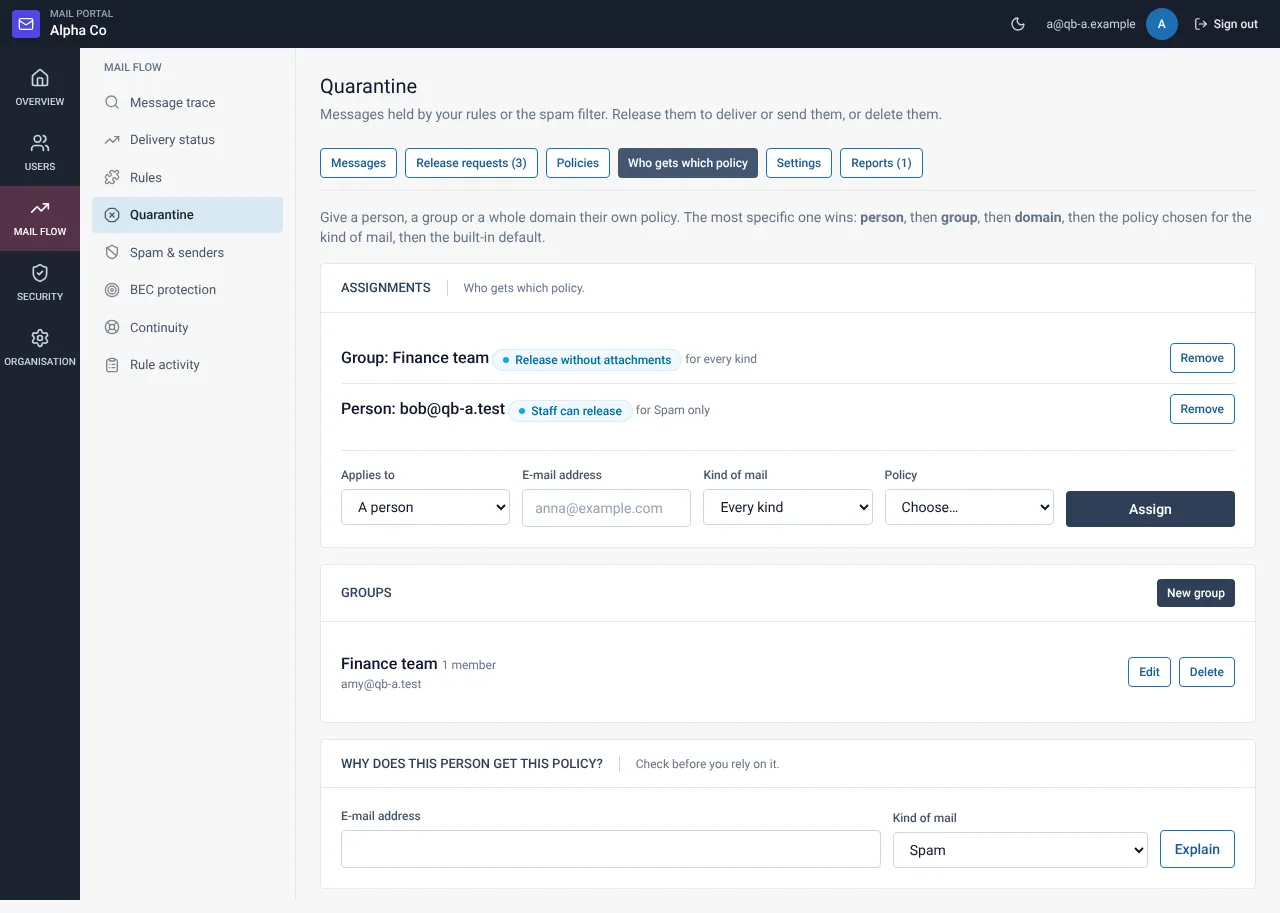
Make a group first (optional)
A group is a list of addresses or @domain entries, useful for “finance” or “executives”.
Add the assignment
Select Add, choose a person, group or domain, pick a policy and a kind of mail (or all kinds), then save.
Still need help?
Tell us what you were trying to do and what you saw on screen. We will help you finish it.