Web Mail PortalFor: Everyone with a mailbox3 min readUpdated
Allow or block senders
Always trust a sender, or stop mail from one, for your mailbox only.
Open Allowed & blocked
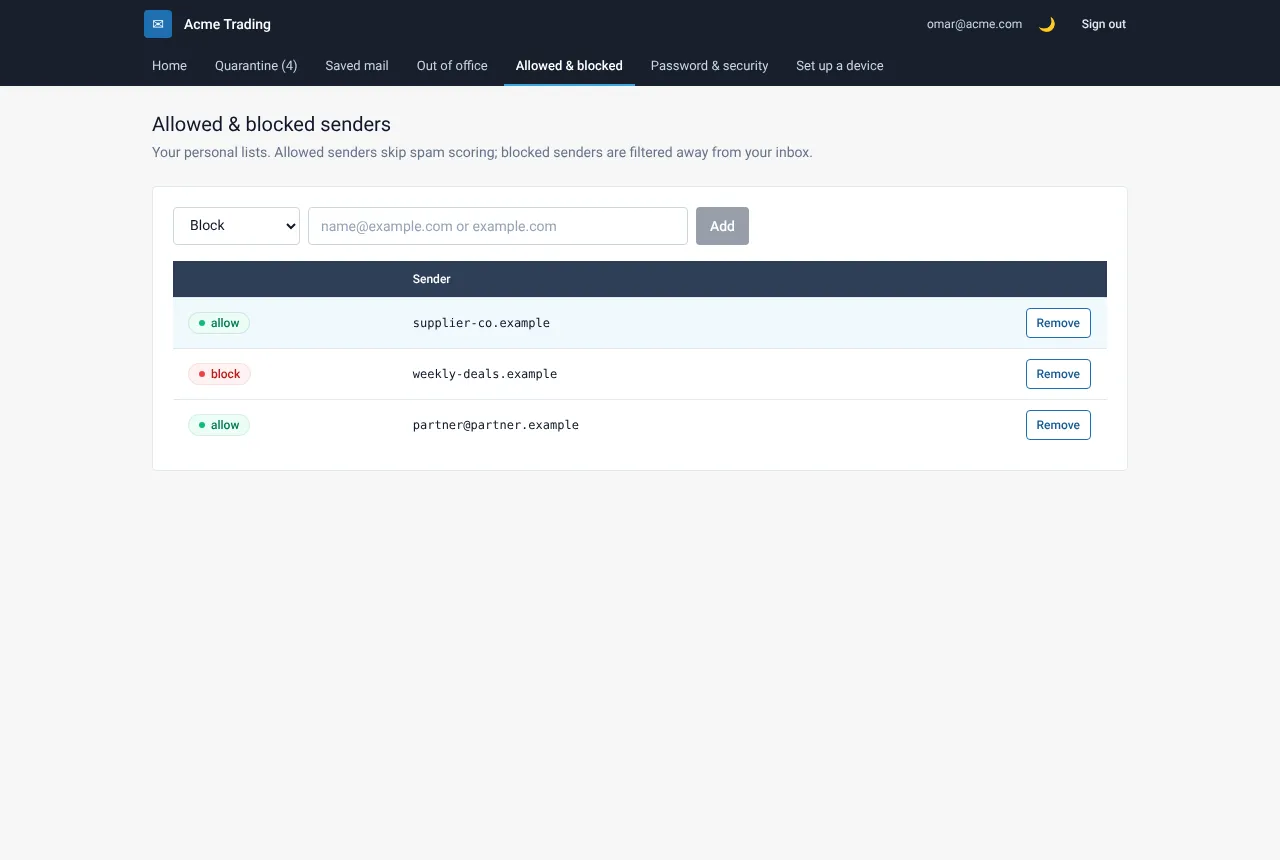
Choose Allowed & blocked in My Account. You see your current lists.
Add an address or a whole domain
Type an address (partner@partner.example) or a domain (partner.example), choose Always allow or Block sender and add it.
Remove an entry
Select the remove button on the row. The change applies at once.
Still need help?
Tell us what you were trying to do and what you saw on screen. We will help you finish it.