Web Mail PortalFor: Everyone with a mailbox2 min readUpdated
Check your recent sign-ins
See who signed in to your mailbox in the last 30 days and spot anything you do not recognise.
Open Password & security
Scroll to Recent sign-ins (30 days).
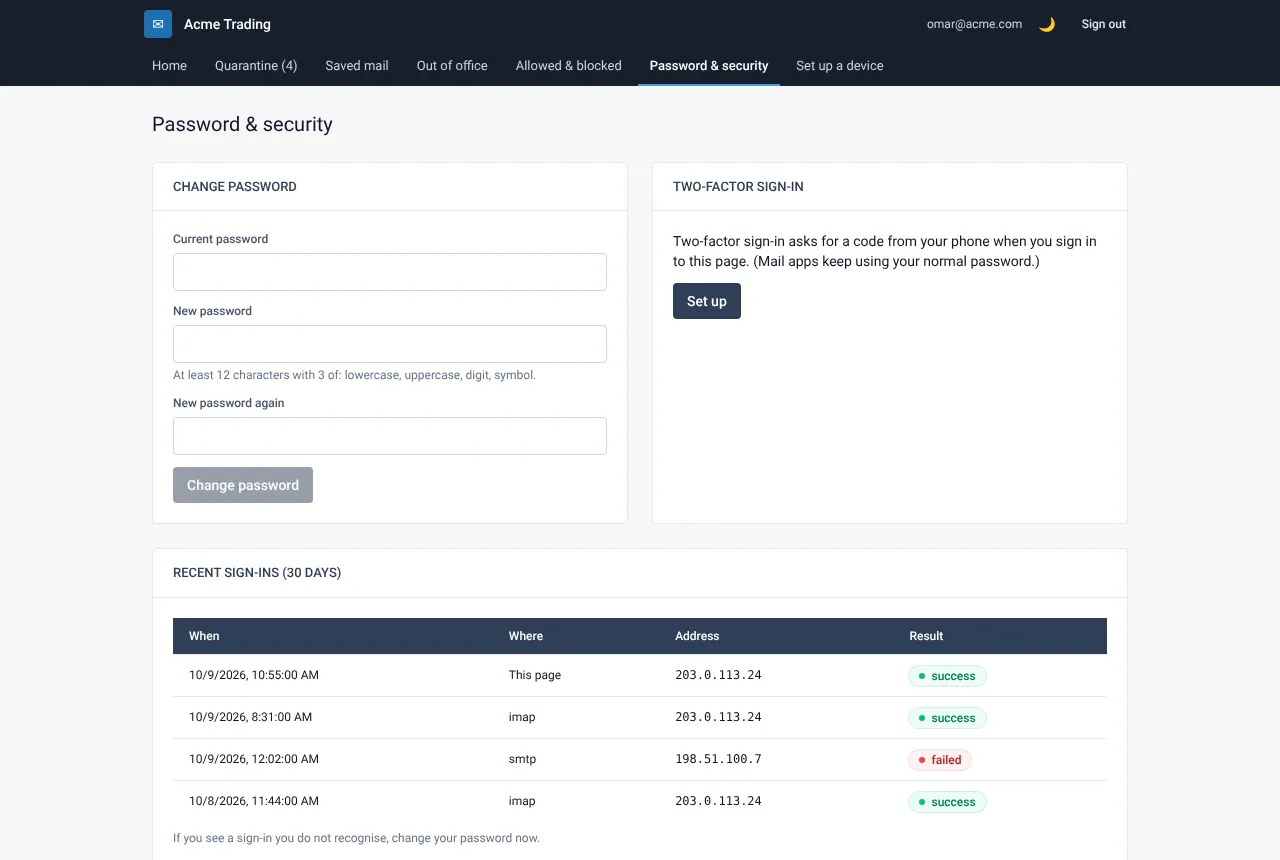
Read each line
Every line shows the time, the service (webmail, IMAP for mail apps, SMTP for sending, or My Account), the IP address that connected and whether it worked or failed.
Act on anything you do not recognise
Several failed lines from an address that is not yours mean someone is guessing your password. A successful sign-in that you do not recognise is more serious: change your password now and tell your administrator.
Still need help?
Tell us what you were trying to do and what you saw on screen. We will help you finish it.