Web Mail PortalFor: Everyone with a mailbox2 min readUpdated
Turn off two-factor sign-in
Remove the code requirement, for example when you change phone.
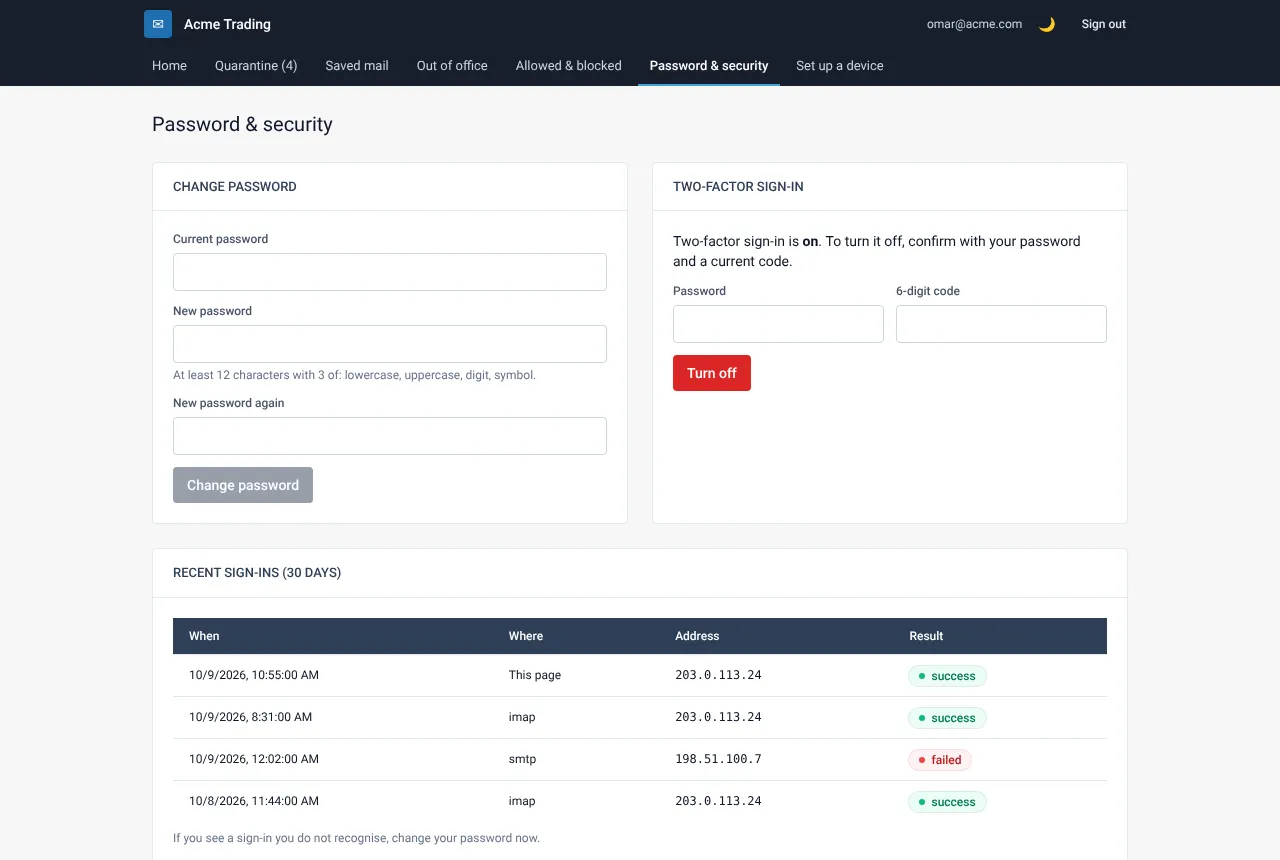
Open Password & security
Sign in to My Account and choose Password & security.
Select Turn off
Under Two-factor sign-in select Turn off and enter your 6-digit code and password when asked. From now on My Account asks only for your password.
Set it up again on the new phone
To use a new phone, turn two-factor off here and then follow “Turn on two-factor sign-in” with the new phone.
Still need help?
Tell us what you were trying to do and what you saw on screen. We will help you finish it.