Mailboxes your team will actually enjoy using
Create accounts in seconds, give everyone fast webmail and any mail app, and route mail exactly the way your business works.
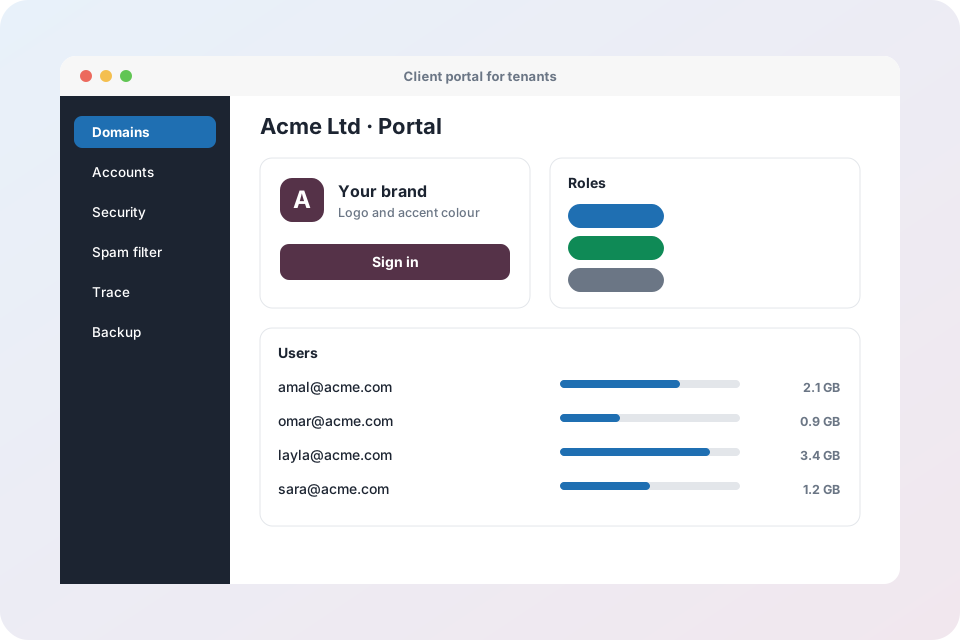
Accounts, access and routing
Email accounts
Create, edit and remove mailboxes with display name, password and storage quota.
Login details by email
Send a new user their address, webmail link and mail app settings in one click.
Webmail
A fast browser mailbox with contacts, folders, search and filters.
Automatic app setup
Outlook, Thunderbird, Apple Mail and phones configure themselves from the address and password.
Forwarders
Forward mail to another address, with control over which outside destinations are allowed.
Catch-all
Collect mail sent to any unknown address at your domain so no enquiry is lost.
Auto-responders
Out-of-office and holiday replies with start and end dates.
Email filters
Server-side rules that file, flag or redirect mail before you open your inbox.
Disk usage
See storage per domain and mailbox so quotas can be planned before they fill.
Any app, any device
Staff keep the mail app they already like. IMAP and SMTP work everywhere, and automatic configuration removes the manual setup.
- Outlook, Apple Mail, Thunderbird and mobile apps
- Webmail for travel and shared computers
- Encrypted connections everywhere
Mailbox questions
How big can a mailbox be?
You set the quota for each mailbox, and tenant plans can set limits for a whole company.
Can I forward mail outside the company?
Yes, but administrators can limit forwarding to approved destinations to prevent data leaks.
What happens to mail sent to an address that does not exist?
Normally it is rejected. With a catch-all address it is delivered to the mailbox you choose.
Can people change their own password?
Yes. Users can manage their own password and out-of-office reply, and administrators can reset it at any time.
Give your team better mail
Request an account and create your first mailbox.
Explore Mail Admin
- Mail Admin overview – every feature on one page
- Domains, DNS and deliverability – DKIM, SPF, DMARC, MX records and health score
- Mailboxes, webmail and routing – accounts, forwarders, catch-all, auto-replies and filters
- Security, spam and virus protection – login protection, IP blocking, send limits, Rspamd and ClamAV
- Tenants and client portal – branding, plans, roles and bulk import
- Operations: trace, monitoring, backup and migration – server health, mail queue, backups and IMAP migration
- X-Protection email security – the security layer that sits in front of any mail system